
Approximately 35-40% of U.S. workers now work remotely at least part-time, with 16% working fully remote. That’s over 26 million fully remote workers who face a unique challenge: how do you move your home and office simultaneously without disrupting your career?
Unlike traditional office workers who can take time off, remote workers often need to remain productive during their relocation. Your home office isn’t just furniture—it’s your livelihood.
Orlando has become a magnet for remote workers relocating from expensive cities, offering no state income tax, lower cost of living, and excellent internet infrastructure.
The Remote Worker’s Moving Challenge
You Can’t Just Take Time Off:
Statistics Show: 68% of remote workers report feeling pressure to remain productive during personal disruptions. 43% have taken work calls on actual moving day.
Your Equipment Is Expensive:
The average home office contains $3,000-$8,000 worth of equipment. Damage doesn’t just cost money—it costs work time and potentially your reputation.
Internet Is Non-Negotiable:
A single day without internet can mean missed meetings, lost billable hours ($200-$1,000+), and damaged professional relationships.

Planning Timeline
12 Weeks Before:
- Book moving company
- Research internet providers at new location
- Start decluttering
8 Weeks Before:
- Schedule internet installation (can take 2-4 weeks)
- Begin packing non-essential office items
4 Weeks Before:
- Notify employer of address change
- Get mobile hotspot for backup
- Pack everything except daily essentials
2 Weeks Before:
- Confirm internet installation
- Test mobile hotspot
- Create “essential equipment” box
Moving Week:
- Pack essential equipment last
- Transport computer yourself
- Set up workspace immediately
- Test internet first
Statistics: Remote workers who plan 8+ weeks ahead report 75% less work disruption.
Communicating with Your Employer
Notify Immediately:
- Moving date
- New address (important for tax purposes)
- Expected internet downtime
- Backup communication plan
Florida Employment Implications:
- No state income tax (major benefit)
- Your employer may need to register in Florida
- Payroll may change
- 8% of companies restrict employee locations—confirm Florida is allowed
Packing Office Equipment Safely
Desktop Computers:
- Use original boxes if available
- Take photos of cable connections
- Label every cable
- Remove loose internal components
- Wrap in anti-static bubble wrap
- Transport in your personal vehicle
Laptops:
- Back up all data
- Pack in padded sleeve
- Transport in personal vehicle
Monitors:
- Original boxes ideal
- Wrap screen in microfiber cloth, then bubble wrap
- Pack vertically, never flat
- Transport yourself if high-value
Cost of Damage: High-end monitors cost $500-$1,500 to replace.
Essential Equipment Box:
Pack separately and transport yourself:
- Laptop and charger
- Mouse and keyboard
- Webcam
- Headphones/headset
- Phone charger
- Power strip
- Basic cables
Internet Connectivity on Day One
Orlando Internet Providers:
Spectrum (Cable):
- Coverage: 95%+ of Orlando
- Speeds: 300 Mbps – 1 Gbps
- Cost: $50-$100/month
AT&T Fiber:
- Coverage: 60%+ of Orlando
- Speeds: 300 Mbps – 5 Gbps
- Cost: $55-$180/month
- Best for high bandwidth
Xfinity:
- Coverage: 85%+ of Orlando
- Speeds: 200 Mbps – 1.2 Gbps
- Cost: $50-$100/month
Critical: Schedule installation 3-4 weeks before move-in. Check availability at BroadbandNow.com.
Backup Internet:
Mobile Hotspot:
- Verizon: Best Orlando coverage
- T-Mobile: Good coverage
- Cost: $40-$80/month unlimited
- Activate 1-2 weeks before moving
Coworking Spaces:
- Canvs: Day passes $25-35
- Catalyst: Day pass $30
- Industrious: Day pass $35-40
Setting Up Your Home Office
Day-One Priority (First 2 Hours):
- Choose office room
- Unpack essential equipment box
- Set up desk and chair
- Connect internet (test immediately)
- Set up computer
- Test video and audio
- Charge all devices
Ideal Office Characteristics:
Natural Light: Better for productivity and video calls
Noise Control: Away from street noise, separate from living areas
Size: Minimum 80-100 square feet
Orlando Considerations:
- South/West windows get intense afternoon sun
- Ensure adequate AC coverage (essential in Florida)
Video Call Background:
- Avoid windows directly behind you
- Choose clean, professional background
- Test before important meetings

Ergonomics and Setup
Proper Ergonomics:
Monitor: Top of screen at eye level, 20-26 inches away
Keyboard/Mouse: Elbows at 90 degrees, wrists straight
Chair: Feet flat, thighs parallel to ground, lower back supported
Lighting for Video Calls:
- Position main light in front at 45-degree angle
- Avoid backlighting
- Ring light: $20-60, or natural window light (best)
Cost of Poor Ergonomics: OSHA reports ergonomic issues cost businesses $50 billion annually.
Tax Implications
Home Office Deduction (Self-Employed):
- $5 per square foot up to 300 sq ft (max $1,500)
- W-2 employees cannot deduct (through 2025)
Florida Tax Benefits:
No state income tax. Annual savings:
- $50,000 from NY (6.85%): Save $3,425/year
- $75,000 from CA (9.3%): Save $6,975/year
- $100,000 from NJ (8.97%): Save $8,970/year
Establish Florida Residency:
- Spend 183+ days in Florida
- Get Florida driver’s license within 30 days
- Register vehicles
- Register to vote
Important: High-tax states may audit former residents. Keep documentation.
Managing Work During Moving
Week Before:
- Front-load work
- Block calendar as “limited availability”
- Communicate proactively with team
Moving Day:
Reality: 73% of remote workers take work calls on moving day.
- Designate workspace movers save for last
- Keep laptop, hotspot, phone charged in vehicle
- Expect reduced productivity
First Week:
- Set small, achievable goals
- Don’t schedule major presentations
- Allow time for adjustment
Internet Speed Requirements
Video Conferencing:
- One-on-one: 1.5 Mbps
- Group calls: 4 Mbps
- HD video: 8 Mbps
Recommended: 25-50 Mbps minimum
Orlando Typical Speeds:
- Spectrum: 300-500 Mbps
- AT&T Fiber: 500-1000 Mbps
Remote Worker Moving Checklist
8-12 Weeks Before:
- Schedule internet installation
- Book movers
- Inform employer
4-6 Weeks Before:
- Confirm internet appointment
- Get mobile hotspot
- Back up all files
2-3 Weeks Before:
- Test hotspot
- Pack non-essentials
- Photograph cable setup
Moving Week:
- Pack essentials last
- Charge devices
- Transport computer yourself
- Set up office first
Common Mistakes to Avoid
- Assuming Internet Will Work: Confirm multiple times, have backup
- Packing Equipment on Truck: Transport in personal vehicle
- Not Testing Immediately: Test everything on arrival
- Scheduling Important Meetings: Avoid critical deadlines during moving week
- No Backup Internet: Mobile hotspot saves hundreds in lost work
- Late Employer Notification: Confirm company allows Florida remote work first
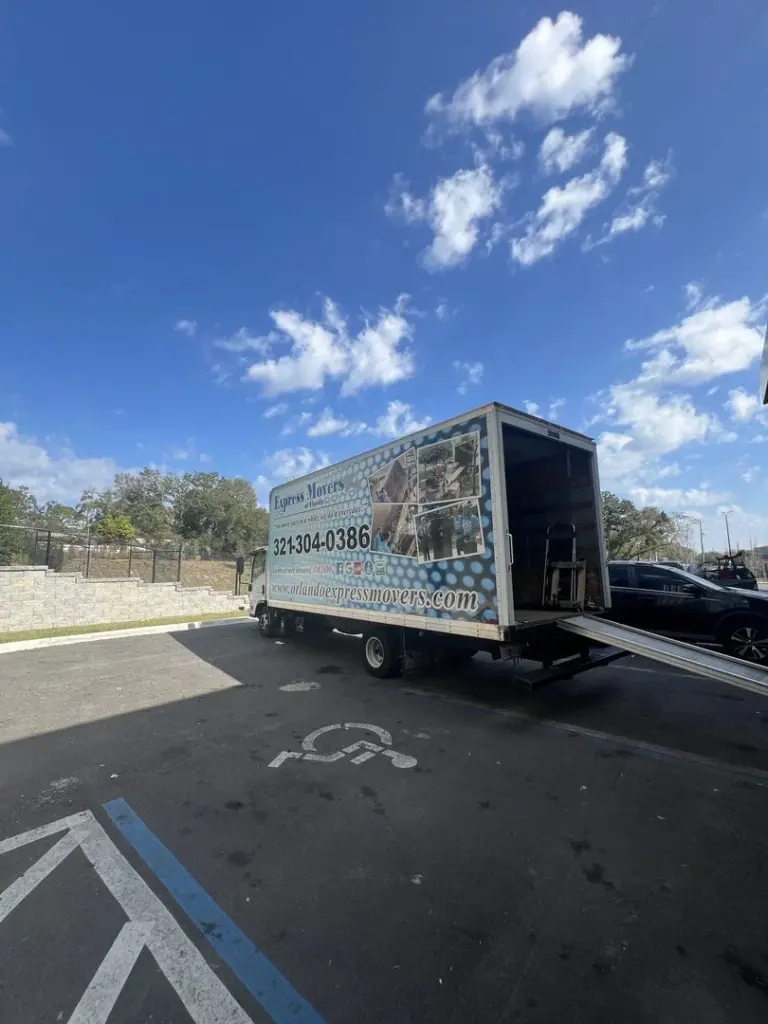
Orlando Express Movers for Remote Workers
At Orlando Express Movers, we’ve helped hundreds of remote workers relocate to Orlando. We understand your home office is your career.
Our Services:
Flexible Scheduling:
- Early morning or late evening moves
- Weekend moves
- Split moves (office separate from household)
Specialized Handling:
- Extra care for computers and electronics
- Custom packing for expensive equipment
- Climate-controlled trucks
Priority Setup:
- Office setup prioritized
- Efficient service
- Minimal disruption
We’ve moved software developers, designers, writers, consultants, and remote employees from across the country to Orlando successfully.
Ready to Move Your Home Office?
With proper planning and the right moving partner, you can relocate seamlessly while maintaining your productivity and professional commitments.
Contact Orlando Express Movers today for a free quote. Tell us you’re a remote worker, and we’ll create a moving plan that prioritizes your office equipment and minimizes work disruption.
Call us to discuss your remote worker move and relocate to Orlando without missing a beat.